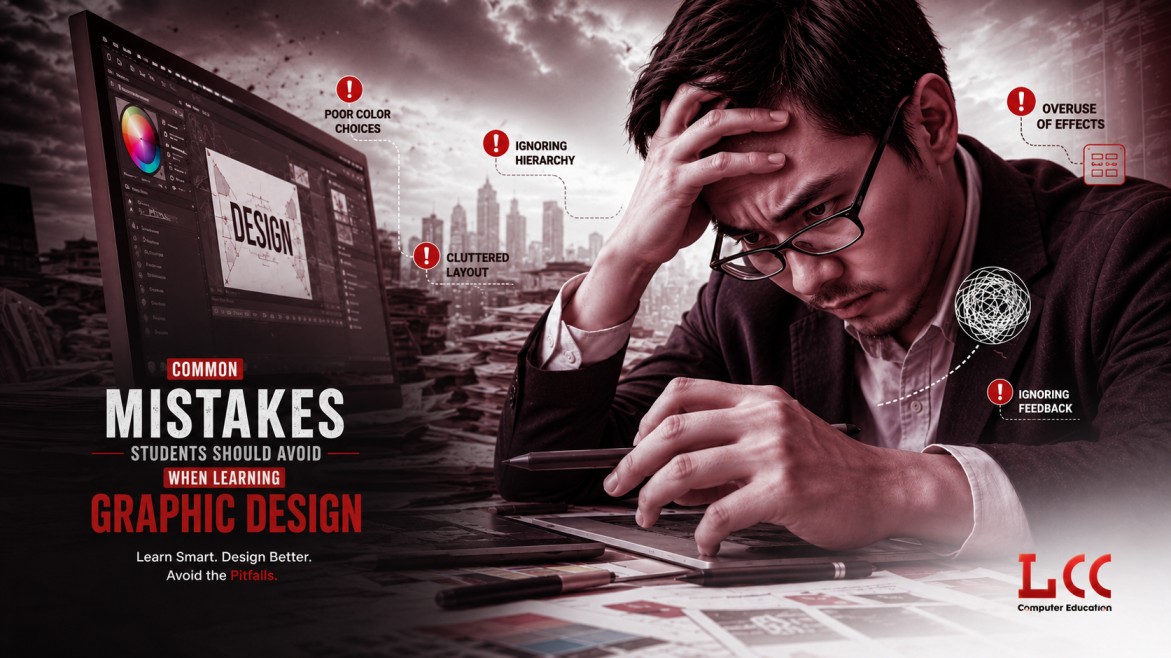
It's exciting to begin design work. New tools, new ideas and freedom of visual creation. However, along the way, many new beginners get stuck, and usually this is not due to a lack of talent but rather because they fall into a few common traps.
When you are new to a graphic design course, you need to know that it's not simply about “making it look nice". It's a matter of communication, clarity and purpose. In fact, most novices commit the same graphic design errors in the initial phase. The good part? If you know about them, they are easily fixed.
1. Focusing Only on Tools, Not Concepts
When learning graphic design, one of the biggest problems that will arise is that you will become too comfortable with the software and forget about the fundamentals. Photoshop/Illustrator is crucial but it is a tool.
What actually matters is understanding things like:
- Layout and spacing
- Color balance
- Typography
- Visual hierarchy
Without these, even the best-designed visuals can feel off. A simple design with good fundamentals will always look better than a complex one without structure.
2. Trying to Do Too Much in One Design
Overloaded designs are a common error made by newbies. Too much color, too many fonts and too many elements in one layout. A lot of times in good design, you do more by taking away rather than adding.
Typically, this happens:
- Try using more than one font that isn't the same.
- Adding unnecessary graphics
- Attempting to 'fill in the gaps'.
A clean and simple layout helps the message to come across better. Simple designs can have a greater effect.
3. Ignoring Typography Basics
Beginners have great difficulty with typography. Fonts are more than a mere styling; they have an impact on what is readable and how it makes you feel.
Some common design mistakes related to typography include:
- Having fancy fonts all over the place.
- Spacing between the letters and lines is poor.
- Combination of fonts that do not match.
It's a good practice to use 2 fonts at most and ensure that they match each other. It's always better to have clean, readable text than too much decoration.
4. Not Paying Attention to Alignment and Spacing
If everything feels balanced, then the design will appear professional. But beginners ignore the alignment and spacing and thus the design looks a mess.
- Be aware of the following:
- Uneven margins
- Text placed randomly
No gap between the same type of elements. No space between like elements.
The spacing between design elements can be the key to the design. When things are aligned, it's structured, and when things are structured, it's clear.
5. Copying Designs Without Understanding Them
You can take inspiration, particularly when you're just beginning. However, copying designs without knowing the rationale behind them can hamper growth.
Rather than simply reproducing, think to yourself:
- Why is this arrangement aesthetically pleasing?
- What are the ways that colors are being used here?
- What is this design simplicity about?
This will help you learn more quickly and develop your own style over time.
6. Skipping Practice and Relying Only on Theory
Design is not something you can learn just by watching tutorials. You need to practice regularly.
Many students:
- Watch videos but don’t apply what they learn
- Avoid experimenting with their own ideas
- Wait for “perfect” designs before sharing work
The reality is, your initial designs will not be perfect – it's okay. The more you practice, the better you get.
7. Not Taking Feedback Seriously
Taking feedback can feel a little awkward, especially in the beginning. However, it is one of the quickest ways to get better.
Be ready to receive criticism and don't be offended. Even the smallest of insights can make all the difference!
Simple Graphic Design Tips for Beginners
If you're just getting started, this guide to graphic design tips for beginners can help you to steer clear of most of the pitfalls of the early design process:
- Don't complicate your designs, stick to the basics.
- Limit the use of colors and fonts.
- Take note of spacing and alignment
- Learn the basics before experimenting
- Practice regularly and review your work
Conclusion
Errors are intrinsic to learning – they are made by everyone who is new to a subject. The key is to identify them early and make continuous progress. Learning design isn't about doing things perfectly; it's about doing things well.
If you're dedicated to improving your abilities, correct guidance can mean a world of difference. At LCC Cochin, students learn the technicalities and creativity in design which enables them to grow with confidence.
