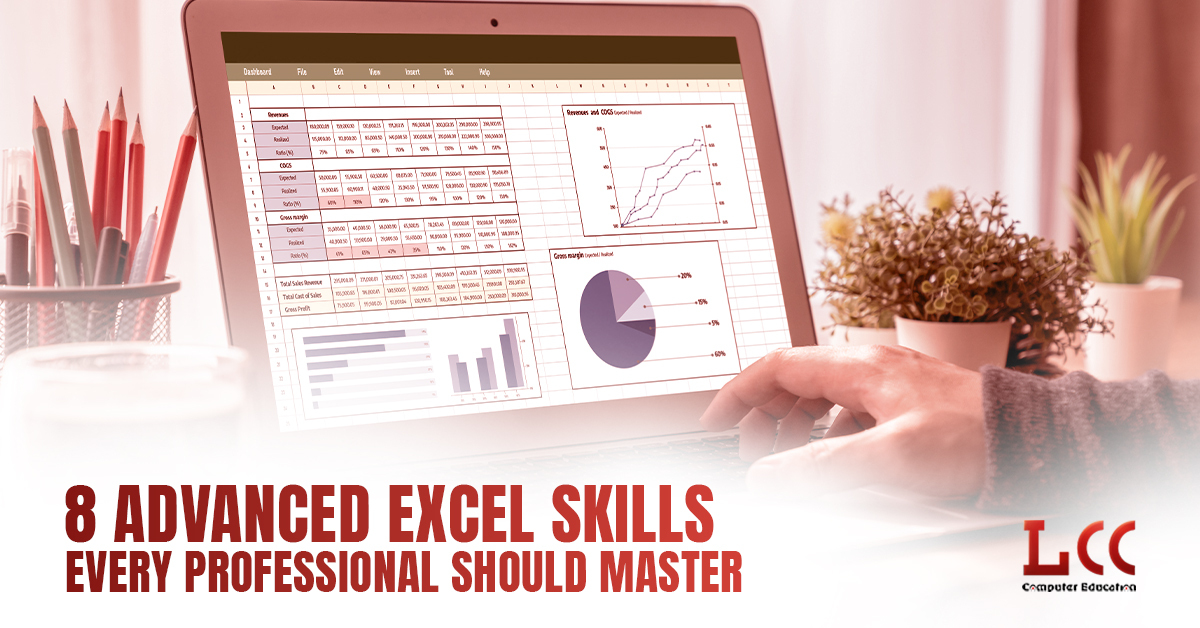
Let’s be honest, almost everyone has used Excel at some point. But using Excel and using Excel confidently are two very different things.
Today, Excel is not just about typing numbers into cells. It is a powerful tool that helps professionals organise data, analyse information, and make smart decisions. From finance and HR to marketing, sales, and operations, Excel is used everywhere.
If you want to work faster, reduce mistakes, and stand out at your workplace, learning advanced Excel is a smart choice. That is why many professionals now prefer joining an advanced Excel course to improve their skills and confidence.
Let us look at eight advanced Excel skills that every professional should master, explained in a simple and practical way.
1. Advanced Formulas That Make Work Easier
Most people know basic formulas like SUM or AVERAGE. But Excel can do much more when you start using advanced formulas.
Functions like IF, VLOOKUP, XLOOKUP, INDEX, MATCH, COUNTIF, and SUMIF help you work with large amounts of data without confusion. These formulas allow Excel to think for you.
For example, you can automatically check if targets are achieved, find employee or customer details from long lists, or calculate bonuses without manual work. Once you learn these formulas, your speed and accuracy improve a lot.
That is why advanced formulas are one of the main topics in any advanced Excel course.
2. Pivot Tables for Quick Data Analysis
Pivot tables are one of the most useful Excel features for professionals.
Instead of checking data row by row, pivot tables allow you to summarise thousands of records in just a few clicks. You can quickly see totals, averages, comparisons, and trends.
For example, pivot tables can help you understand which product sells the most, which month performs better, or which department needs improvement. They turn raw data into meaningful information.
Learning pivot tables saves hours of manual work and makes reports more professional.
3. Data Validation to Avoid Errors
Incorrect data can lead to wrong decisions. Data validation helps you control what kind of data can be entered into Excel.
You can create drop-down lists for departments, job roles, status options, or fixed choices like Yes or No. This reduces typing mistakes and keeps your data clean and organised.
This skill is very helpful when many people work on the same Excel file. It ensures consistency and improves overall data quality.
4. Conditional Formatting for Easy Understanding
Looking at numbers all day can be confusing. Conditional formatting makes Excel data easier to understand by using colours and symbols.
For example, you can highlight overdue payments in red, top performers in green, or use arrows to show growth and decline. This helps you identify problems and results instantly.
Conditional formatting improves visibility and makes your reports more attractive and easier to read.
5. Charts and Visual Presentation of Data
Charts help tell a story using data. Excel offers many chart options like bar charts, line charts, pie charts, and combination charts. You can also create simple dashboards to present key information clearly.
Charts are very useful during meetings and presentations. Instead of explaining numbers for a long time, a well-designed chart can show everything at once.
This skill is important for professionals who regularly share reports with managers or clients.
6. Power Query for Cleaning and Managing Data
In real life, data is rarely perfect. It may come from different sources and formats, and often contains errors or extra spaces.
Power Query helps you clean, merge, and organise data easily. You can remove unwanted rows, fix errors, and combine multiple files into one.
Once you set up Power Query, you can refresh the data with a single click. This saves time and reduces repeated manual work, especially for monthly or weekly reports.
7. Macros for Automating Repeated Tasks
If you repeat the same Excel task every day, automation can help you.
Macros allow Excel to record your actions and repeat them automatically. Tasks like formatting reports, copying data, or creating regular sheets can be done instantly.
You do not need advanced coding skills to use macros. Even basic automation can save hours of work and increase productivity.
8. Protecting Excel Files and Data
Excel often contains sensitive information like salaries, budgets, and company reports. Knowing how to protect your files is very important.
Advanced Excel skills include locking cells, protecting worksheets, and adding passwords. These features help prevent accidental changes and keep data secure.
At the same time, Excel allows safe sharing so teams can collaborate without risk.
Why Advanced Excel Skills Are Important Today
Excel is still one of the most in-demand skills across industries. Professionals with strong advanced Excel knowledge work faster, make fewer mistakes, and feel more confident while handling data.
An advanced Excel course helps you learn practical skills that are useful in daily work. It improves efficiency and makes your role more valuable to your organisation.
You do not need to be a data expert to master Excel. With the right guidance and practice, anyone can improve their skills.
These eight advanced Excel skills can help you save time, work smarter, and grow professionally. If you are looking for a skill that adds value in any job role, advanced Excel is a great place to start.
